



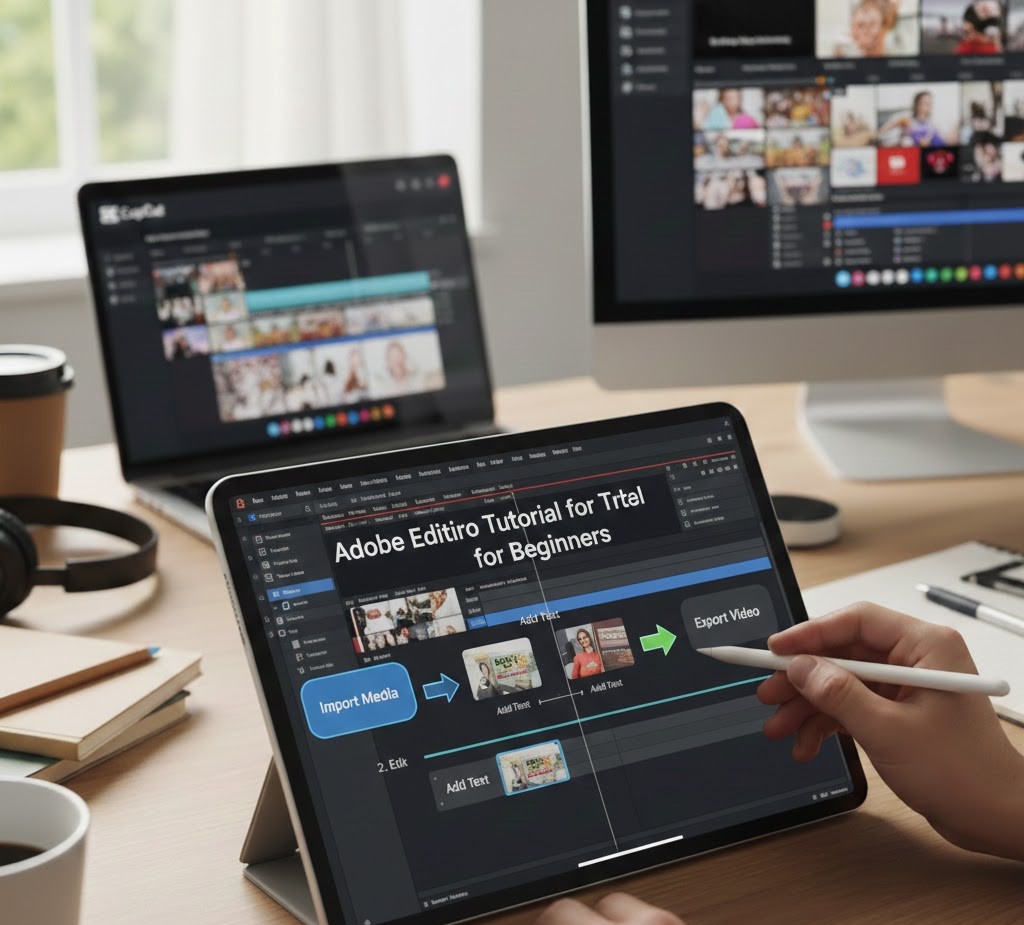
Adobe Premiere Pro Tutorial for Beginners
Introduction
Almost every great video you’ve ever watched started as a messy collection of clips on someone’s computer. YouTube documentaries, Instagram reels, short films, client ads, online courses none of them were born polished. They were shaped, refined, and brought to life inside video editing software. And more often than not, that software was Adobe Premiere Pro.
If you’re a student or beginner, opening Premiere Pro for the first time can feel intimidating. There are panels everywhere, unfamiliar tools, timelines, and buttons that don’t seem to make sense. It’s easy to assume video editing is only for professionals with expensive gear and years of experience. The truth is very different.
Today, video is one of the most valuable skills you can learn. It opens doors to freelancing, content creation, marketing, storytelling, and creative careers. And Adobe Premiere Pro is one of the best places to start.
In this guide, you’ll learn what Premiere Pro really is, how it works, how to use its core tools, and how to build real editing skills step by step without feeling overwhelmed.
What Adobe Premiere Pro Really Is (Beyond “Video Editing Software”)
Most beginners hear that Premiere Pro is “video editing software” and leave it at that. But that description doesn’t capture its real power.
Adobe Premiere Pro is a professional non-linear editing platform. That means you can take raw video, audio, music, images, and graphics, then arrange, cut, adjust, and refine them in any order without damaging your original files. You’re not changing your footage you’re shaping how it’s presented.
What makes Premiere Pro especially valuable for beginners is its balance. It’s powerful enough for Hollywood productions and YouTube creators alike, yet accessible enough that you can learn the basics within days.
It’s used by:
-
YouTubers and content creators
-
Freelance video editors
-
Digital marketers
-
Film students
-
Social media managers
-
Online educators
-
Agencies and production studios
Learning Premiere Pro isn’t just about making videos look good. It’s about learning visual communication how to tell a story clearly, emotionally, and professionally.
Understanding How Video Editing Works (In Simple Terms)
Before jumping into tools and buttons, it helps to understand the basic idea behind editing.
Every video project has three main elements:
-
Footage (your video clips)
-
Audio (dialogue, music, sound effects)
-
Timeline (where everything is arranged)
When you edit, you are making decisions:
-
Which moments to keep
-
Which parts to cut
-
Where to place transitions
-
How loud the music should be
-
What color mood the video should have
-
How fast or slow scenes should feel
Premiere Pro gives you a workspace to make these decisions visually.
Think of it like writing an essay:
-
Your clips are the sentences
-
The timeline is your paragraph structure
-
Editing is your rewriting process
The goal isn’t to use every tool. The goal is clarity, flow, and emotional impact.
Getting Comfortable with the Premiere Pro Interface
When you open Premiere Pro, the layout can feel overwhelming. But most of the screen is made up of just a few core panels.
The Project Panel
This is where your media lives. Every video clip, image, music file, and sound effect you import appears here. It’s like your digital folder.
Beginner tip: Organize your files into bins (folders) for:
-
Footage
-
Music
-
Voiceovers
-
Graphics
Good organization early saves hours later.
The Timeline
This is the heart of editing. You drag clips here to build your video.
-
Video tracks sit on top
-
Audio tracks sit below
-
The playhead shows where you are in the video
-
You can cut, trim, and move clips freely
Most of your editing time will be spent here.
The Program Monitor
This is the screen where you preview your final video. Every change you make in the timeline appears here.
The Source Monitor
This lets you preview raw clips before adding them to your timeline. It’s helpful for choosing the best moments from long recordings.
Once you understand these four areas, Premiere Pro becomes far less intimidating.
Core Editing Skills Every Beginner Should Learn First
You don’t need to master every feature to become a good editor. Focus on these foundational skills first.
Cutting and Trimming Clips
Good editing is mostly about removing what doesn’t belong.
Learn to:
-
Use the Razor Tool to cut clips
-
Trim the ends of clips to remove mistakes
-
Remove awkward pauses
-
Keep pacing tight
Professional-looking videos usually come from strong trimming, not fancy effects.
Using the Selection Tool
The Selection Tool lets you:
-
Move clips
-
Resize clips
-
Rearrange scenes
-
Snap clips together
This is your most-used tool. Mastering it speeds up your entire workflow.
Working with Audio
Many beginners focus on visuals and ignore sound. That’s a mistake.
Good audio makes a video feel professional instantly.
Learn how to:
-
Adjust volume levels so dialogue is clear
-
Lower music under voice
-
Remove background noise using Essential Sound panel
-
Fade audio in and out smoothly
Clear audio often matters more than high-quality video.
Understanding Transitions and Effects Without Overusing Them
Premiere Pro offers dozens of transitions and effects. Beginners often use too many. The result looks amateur.
Transitions should serve a purpose:
-
A simple cut feels clean and professional
-
Cross dissolves work for emotional or time-passing moments
-
Hard transitions create energy and speed
Instead of asking, “Which effect looks cool?”, ask:
“Does this help the viewer understand the story better?”
Effects should enhance, not distract.
Color Correction and Why It Matters
Color is one of the biggest differences between amateur and professional videos.
Even basic color correction can:
-
Make footage look cleaner
-
Improve skin tones
-
Balance brightness
-
Create mood
Premiere Pro’s Lumetri Color panel allows beginners to:
-
Adjust exposure
-
Fix white balance
-
Increase contrast
-
Make colors more vibrant
You don’t need to become a color grading expert immediately. Just learning to correct brightness and color balance will dramatically improve your videos.
How Premiere Pro Fits into the Bigger Creative Ecosystem
Premiere Pro is rarely used alone. It works alongside other creative tools, especially within Adobe’s ecosystem.
Common workflows include:
-
Premiere Pro + Photoshop for thumbnails
-
Premiere Pro + After Effects for motion graphics
-
Premiere Pro + Audition for advanced audio editing
-
Premiere Pro + Canva for social media visuals
For students interested in digital marketing, content creation, or freelancing, this ecosystem becomes incredibly powerful. You’re not just learning software — you’re building a creative skill set that can support multiple careers.
Real-World Examples of Beginners Who Learned Premiere Pro
You don’t need to imagine the possibilities. They already exist everywhere.
A university student starts editing vlogs, builds a YouTube channel, and eventually monetizes it.
A marketing student learns Premiere Pro and lands an internship managing video content for brands.
A freelancer begins editing wedding videos and social media reels, building a steady client base.
A teacher learns video editing to create online courses and educational content.
These aren’t rare success stories. They’re common paths for people who commit to learning consistently.
The difference isn’t talent. It’s practice.
Common Myths Beginners Believe About Video Editing
“You need expensive equipment”
You can learn editing on a basic laptop. Skill matters more than gear.
“You must learn everything at once”
You don’t. Professional editors still use only a fraction of Premiere’s features.
“My videos aren’t good, so I should quit”
Everyone’s early work is bad. Improvement comes from repetition, not perfection.
“Only creative people can edit”
Editing is a skill, not a personality trait. It can be learned.
Practical Skills Beginners Should Start Practicing Today
If you want real progress, focus on actions instead of theory.
Practice ideas:
-
Edit a 60-second video every day
-
Re-edit a favorite YouTube video using your own footage
-
Turn a boring clip into an engaging story
-
Add subtitles to improve clarity
-
Practice syncing voiceovers with visuals
Each project teaches you more than hours of passive watching.
Skill grows through doing.
How Video Editing Careers Are Evolving
Video is no longer optional. It’s becoming essential.
Businesses need:
-
Social media editors
-
Content creators
-
YouTube editors
-
Course creators
-
Short-form video specialists
-
Marketing video editors
Remote work has expanded opportunities globally. Many editors now work with clients across countries from their bedrooms.
Learning Premiere Pro isn’t just a hobby. It’s a marketable, income-generating skill that’s becoming more valuable every year.
Students who start now will be ahead of those who delay.
FAQs About Adobe Premiere Pro for Beginners
Is Adobe Premiere Pro good for complete beginners?
Yes. While it’s a professional tool, its basic features are beginner-friendly and widely supported with tutorials and learning resources.
How long does it take to learn Premiere Pro?
You can learn the basics in a few days. Becoming confident usually takes a few weeks of consistent practice.
Do I need a powerful computer to run Premiere Pro?
A better computer helps, but beginners can start on modest systems by working with smaller projects and optimized settings.
Can I get freelance work after learning Premiere Pro?
Yes. Many freelancers begin by offering simple editing services such as YouTube videos, reels, and short promotional clips.
Is Premiere Pro better than mobile editing apps?
Mobile apps are useful for quick edits, but Premiere Pro offers far more control, quality, and career potential.
Conclusion
Learning Adobe Premiere Pro can feel overwhelming at first, but it’s one of the most rewarding creative skills you can develop. It teaches you more than software. It teaches storytelling, communication, visual thinking, and problem-solving.
You don’t need to master everything. You need to start. Open the program. Import clips. Make cuts. Experiment. Fail. Improve. Repeat.
For students especially, video skills are no longer optional. They are becoming central to education, careers, business, and personal expression. Whether you dream of building a YouTube channel, working in digital marketing, freelancing online, or simply telling better stories, Premiere Pro gives you the tools to do it professionally.
The best editors are not those who know every feature. They are the ones who stayed consistent, stayed curious, and kept creating.
Your first project won’t be perfect. But your tenth will be better. And your hundredth might surprise you.
Tags :
No Tags

0 Comments