
WordPress 2016 Complete Training
Course Description
After completing this training, you will be able to create, manage, and customize professional websites using WordPress. The course covers all essential and advanced concepts such as theme customization, plugin management, widgets, sliders, and dynamic website creation.
You will also gain an understanding of basic PHP, HTML, and CSS, and learn how to connect your website to a domain and hosting server. WordPress is the world's most popular self-hosted website creation platform and content management system, trusted by millions of websites worldwide. It allows anyone to create blogs, portfolios, business sites, and online stores without needing advanced coding skills, thanks to its thousands of plugins and themes.
Whether you are a beginner, blogger, freelancer, or business owner, this course will help you build and publish your own WordPress website with confidence.
What You Will Learn
- Understand the basics and purpose of WordPress
- Install and set up WordPress locally and online
- Work confidently with the WordPress dashboard and user interface
- Add and customize themes, plugins, and widgets
- Create pages, posts, menus, and categories
- Build dynamic and responsive website layouts
- Add sliders, galleries, and contact forms
- Configure custom login and registration options
- Manage domain and hosting connections
- Upload your website using FileZilla
- Learn basic PHP, HTML, and CSS concepts
- Perform basic SEO setup and submit your site to search engines
Who Should Join This Course?
- Aspiring bloggers and content creators
- Freelancers offering website-building services
- Small business owners who want their own website
- Beginners with no coding background
Prerequisites
You do not need any prior experience. All you need is:
- Basic computer operations
- Basic knowledge of blogging (for example, using platforms like Blogger)
- A stable internet connection
System Compatibility
This course is accessible on all your devices:
- Windows PCs and laptops
- macOS (all recent versions)
- Android smartphones and tablets
- iPhone and iPad (iOS devices)
Learn anytime, anywhere, on your desktop, laptop, tablet, or mobile.
One-Time Payment, Lifetime Access
No subscriptions. No hidden charges. No monthly fees.
Pay once and get lifetime access to the entire course. Watch the videos as many times as you want, whenever you want. There is no expiry date
Free Lifetime Updates
This field keeps changing, and so does this course. Whenever we add new lessons, new tools, new techniques, or update existing content, you get it completely free. No extra payment, ever. Pay once and stay updated for life.
Certification
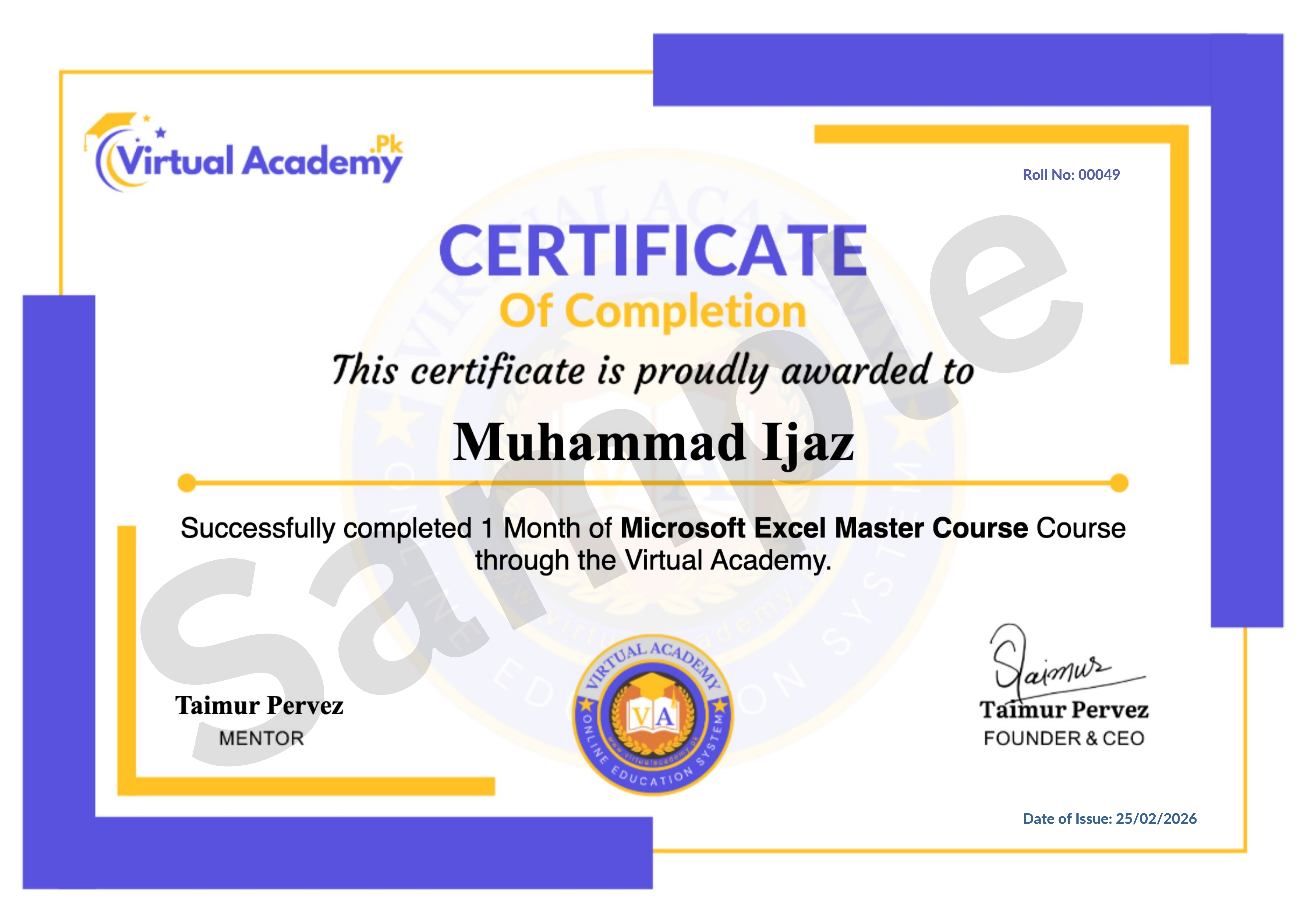
This course is hosted on the Virtual Academy LMS (www.virtualacademy.pk). Upon successful completion, you will receive a Registered Diploma or Certificate that you can add to your resume, portfolio, or LinkedIn profile.
To earn your certificate, you need to:
- Complete all chapters on the LMS
- Pass the quiz for each chapter
- Submit any required assignments or projects
Once completed, your diploma will be available to download directly from the LMS.
Why Enroll Now?
Every business and creator needs an online presence, and WordPress remains the most widely used platform for building websites. Learning it now means you can build your own site or offer website-building services to others, without needing to be a programmer.
One-time payment. Lifetime access. Lifetime updates. Zero risk.
Need Help? Contact Us on WhatsApp
Have any questions about the course? Feel free to reach out to us on WhatsApp. We try our best to reply within 30 minutes to 1 hour.
Message us anytime, and our team will guide you regarding the course, enrollment, or any other queries you may have.
WhatsApp: wa.me/923215124534
Enroll today and start your journey toward building professional websites with WordPress.
Course Details
- 1. WordPress Course Introduction
- 2. WordPress.org vs WordPress.com
-
3. Download and Installation of Xampp (Locked) 09:21 Min

-
4. Install WordPress in Localhost (Locked) 11:23 Min
-
5. WordPress Admin Panel Overview (Locked) 08:34 Min
-
Chapter 1 Getting Started with WordPress (Locked)
No Notes available for this chapter
-
1. Activate Custom Theme in WordPress (Locked) 12:18 Min
-
2. Working on WordPress Pages (Locked) 12:48 Min
-
3. Menu Bar & Dropdown Menu (Locked) 16:15 Min
-
Chapter 2 Themes & Page Structure (Locked)
No Notes available for this chapter
-
Chapter 3: WordPress Settings (Locked) 9:35 Min
-
2. Reading & Discussion Settings (Locked) 9:27 Min
-
Chapter 3 WordPress Settings (Locked)
No Notes available for this chapter
-
1. Create New Post & Formatting (Locked) 09:18 Min
-
2. Add & Remove Links in Post (Locked) 11:46 Min
-
3. Download & Install Themes (Locked) 07:39 Min
-
4. Post Vs Pages (Locked) 10:29 Min
-
Chapter 4 working with posts (Locked)
No Notes available for this chapter
-
1. BizPress Theme Overview (Locked) 12:01 Min
-
2. Understanding Posts, Pages & Categories (Locked) 16:40 Min
-
Chapter 5 Theme Understanding (Locked)
No Notes available for this chapter
-
1. Create Logo for WordPress Website (Locked) 19:50 Min
-
2. Add Logo with Different Methods (Locked) 06:30 Min
-
3. Install Brackets Editor & Logo Configuration (Locked) 08:01 Min
-
Chapter 6 Logo and Branding (Locked)
No Notes available for this chapter
-
1. Navigation Bar – Add Pages & Categories (Locked) 11:57 Min
-
2. Add Post in Different Categories (Locked) 12:41 Min
-
Chapter 7 Navigation & Categories (Locked)
No Notes available for this chapter
-
1. Add Favicon (Locked) 05:01 Min
-
2. Insert Read More Tag & Image Alignment (Locked) 09:20 Min
-
3. Create Image Gallery (Locked) 08:00 Min
-
Chapter 8 Media & Read More (Locked)
No Notes available for this chapter
-
1. Live Theme Customization (Locked) 07:33 Min
-
2. Create Slider Image in Photoshop (Locked) 09:55 Min
-
3. Add Link to Slider Image & Settings (Locked) 08:50 Min
-
Chapter 9 Slider & Live Customization (Locked)
No Notes available for this chapter
-
1. Add and Remove Plugins (Locked) 09:23 Min
-
2. Add and Remove Widgets (Locked) 10:09 Min
-
3. TinyMCE Advanced Editor (Locked) 06:50 Min
-
4. Custom Widgets & Areas (Locked) 15:26 Min
-
Chapter 10 Plugins & Widgets (Locked)
No Notes available for this chapter
-
1. Add Background using PHP (Locked) 12:41 Min
-
2. Create Website Background (Locked) 11:04 Min
-
3. Navigation Customization (Locked) 15:20 Min
-
Chapter 11 Background & Navigation Customization (Locked)
No Notes available for this chapter
-
1. Footer Configuration (Locked) 18:08 Min
-
2. Add Social Widgets in Sidebar (Locked) 07:27 Min
-
3. Add Social Follow Button in Header (Locked) 07:00 Min
-
Chapter 12 Footer & Social Widgets (Locked)
No Notes available for this chapter
-
1. Add Custom Login Page Plugin (Locked) 06:24 Min
-
2. Login Page Customization (Locked) 09:50 Min
-
3. Add Login, Logout & Registration Options (Locked) 07:36 Min
-
4. Configure Login & Registration (Locked) 07:44 Min
-
5. Add Login Widgets in Sidebar (Locked) 09:07 Min
-
Chapter 13 Login & Registration Customization (Locked)
No Notes available for this chapter
-
1. Create Contact Us Page (Locked) 11:06 Min
-
2. Configure Contact Form (Locked) 08:04 Min
-
3. Add Google Map to Contact Page (Locked) 10:12 Min
-
Chapter 14 Contact Page Setup (Locked)
No Notes available for this chapter
-
1. WordPress Footer Configuration (Locked) 07:07 Min
-
2. Add Facebook Page Plugin (Locked) 06:42 Min
-
3. Add Google Plus Plugin (Locked) 07:42 Min
-
4. Add YouTube Subscribe Button (Locked) 03:42 Min
-
5. Add Twitter Social Plugin (Locked) 05:59 Min
-
6. Add LinkedIn Social Plugin (Locked) 05:27 Min
-
Chapter 15 Social Plugins Integration (Locked)
No Notes available for this chapter
-
1. Top Websites for Web Hosting & Domains (Locked) 10:15 Min
-
2. WordPress Hosting Control Panel (Locked) 06:57 Min
-
3. Purchase Domain Name (Locked) 06:46 Min
-
4. Purchase Hosting (Locked) 05:14 Min
-
5. Domain & Hosting Configuration (Locked) 03:51 Min
-
Chapter 16 Domain & Hosting Management (Locked)
No Notes available for this chapter
-
1. Upload Website Using FileZilla (Locked) 09:29 Min
-
2. Add Website in Google Search (Webmaster) (Locked) 06:32 Min
-
3. Add Site to Yahoo & Bing (Webmaster) (Locked) 06:21 Min
-
4. Webmaster Tool Detailed Overview (Locked) 08:40 Min
-
5. Add Sitemap in Google & Bing (Locked) 09:47 Min
-
Chapter 17 Website Deployment and Webmaster Tools (Locked)
No Notes available for this chapter
Meet Your Instructor(s)

.png)
 Level
Level
 Duration
 Chapters
 Quizzes
 Certifications
 Language