
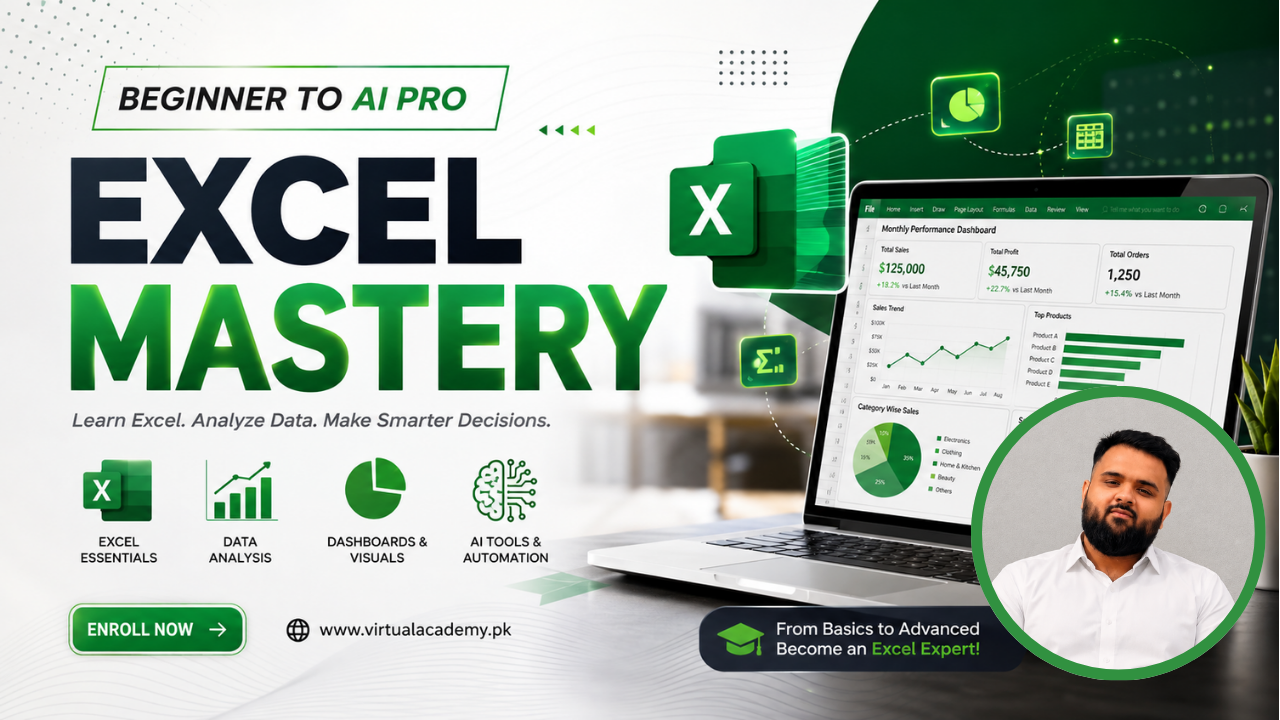
Microsoft Excel Mastery 2026 – AI-Powered
Course Description
Microsoft Excel is one of the most in-demand skills in today's job market — used every day in accounting, finance, sales, marketing, operations, and data analysis roles across every industry. Whether you're a student, job seeker, business owner, or working professional, strong Excel skills make you faster, more organized, and more valuable at work.
The Microsoft Excel Mastery Course (Beginner to AI-Powered Pro) is designed to take you from complete Excel basics all the way to advanced, AI-powered spreadsheet skills. Every module builds on the last — starting with the interface and core formulas, moving through PivotTables, charts, and data management, and finishing with automation, business reporting, and the newest AI tools like Microsoft Copilot, ChatGPT, and Claude.
By the end of this course, you will be able to build formulas and functions with confidence, manage and clean real-world data, design PivotTables and dashboards, automate repetitive tasks with macros and VBA, and use AI tools to work faster and smarter in Excel.
What You Will Learn
- Navigate the Excel interface — Ribbon, tabs, workbooks, and worksheets confidently
- Format and present data professionally using cell styles, number formats, and conditional formatting
- Write core formulas and functions — SUM, AVERAGE, IF, AND/OR, and text functions
- Master advanced formulas — VLOOKUP, XLOOKUP, INDEX-MATCH, SUMIFS, COUNTIFS, and error handling
- Manage data — sorting, filtering, validation, removing duplicates, and Text to Columns
- Build and customize PivotTables and PivotCharts to summarize large datasets
- Create charts, sparklines, and dashboards that communicate data clearly
- Use AI-powered tools — Microsoft Copilot, ChatGPT, and Claude — for formulas, analysis, and forecasting
- Record macros and write basic VBA to automate repetitive tasks
- Build real business tools — budget trackers, sales dashboards, invoices, and financial models
- Collaborate and share workbooks securely using OneDrive, co-authoring, and sheet protection
- Complete real-world capstone projects for your portfolio
Who Should Join This Course?
- School, college, and university students
- Job seekers preparing for interviews and skills tests
- Freelancers who work with international clients
- Accountants, finance, sales, and marketing professionals
- Small business owners who want to manage their own data and reports
- Data analysts and aspiring analysts
- Teachers and educators
- Complete beginners with no prior Excel experience
Prerequisites
No previous Excel knowledge is required. You only need:
- Basic computer or laptop knowledge
- Basic internet browsing skills
- Interest in learning Excel and data skills
- Microsoft Excel installed, or access to Excel Online (recommended)
System Compatibility
This course is accessible on all your devices:
- Windows PC & Laptop
- macOS
- Android Smartphones & Tablets
- iPhone & iPad (iOS devices)
Access your lessons from desktop, laptop, tablet, or mobile whenever it's convenient. For hands-on practice with formulas, PivotTables, and macros, using the Excel desktop app is recommended.
No monthly subscriptions. No hidden charges. No recurring fees. Pay once and get lifetime access to every lesson.
Enjoy unlimited video replays and learn at your own pace. There is no expiry date.
Free Lifetime Updates
Excel and its AI tools continue to evolve, and this course evolves with them. Whenever we publish new lessons, updated practice files, additional quizzes, or new AI-assisted Excel techniques using Copilot, ChatGPT, or Claude, you'll receive every update completely free. No additional payments, ever.
Certification
This course is hosted on the Virtual Academy LMS (virtualacademy.pk). Upon successful completion, you will receive a Registered Diploma/Certificate that you can add to your Resume, CV, LinkedIn profile, or Freelancing Portfolio.
To earn your certificate, you need to:
• Complete all course modules
• Pass the module quizzes
• Submit required practice files and capstone projects
Once completed, your diploma will be available to download directly from the LMS.
Why Enroll Now?
- Strong Excel skills open doors to better jobs, promotions, successful freelancing, and real efficiency at work. Here's what makes this course worth it:
- Beginner to AI-Powered Pro Learning Path
- Complete Excel Training — Formulas to Dashboards
- Hands-On, Real-World Projects
- AI Tools Integration — Copilot, ChatGPT & Claude
- Business & Reporting Use Cases
- Module Quizzes & Practice Assignments
- Lifetime Access
- Lifetime Updates
- Registered Certificate
- Learn at Your Own Pace
One-Time Payment. Lifetime Access. Lifetime Updates. Registered Certificate.
Need Help? Contact Us on WhatsApp
Have any questions about the course? Feel free to reach out to us on WhatsApp. We usually respond within 30 minutes to 1 hour during working hours.
WhatsApp: wa.me/923215124534
Whether you're a student, professional, or beginner, mastering Excel is a lifelong investment in your career. Start learning today and build a valuable, practical skill that will help you work faster, analyze data with confidence, and stand out at work.
Enroll today and start your journey toward mastering Microsoft Excel with Virtual Academy.
Course Details
- What is Excel — uses and career scope
- Interface tour — Ribbon, Tabs, Quick Access Toolbar
- Understanding Workbook, Worksheet, Cell, Row, Column
-
Data entry, editing, and navigation shortcuts (Locked) 9:09 Min

-
Saving, AutoSave, and file formats (.xlsx, .csv, .xlsm) (Locked) 4:00 Min
-
Module 1: Excel Basics & Interface (Locked)
No Notes available for this chapter
-
Cell formatting — font, color, borders, alignment (Locked) 5:15 Min
-
Number formats (currency, percentage, date) (Locked) 4:39 Min
-
Conditional formatting (Locked) 5:26 Min
-
Cell styles and table formats (Locked) 4:10 Min
-
Freeze panes, split view (Locked) 4:49 Min
-
Module 2: Formatting & Data Presentation (Locked)
No Notes available for this chapter
-
Formula basics, cell references (relative/absolute) (Locked) 3:59 Min
-
Math functions — SUM, AVERAGE, COUNT, MAX/MIN (Locked) 6:09 Min
-
Logical functions — IF, AND, OR, Nested IF (Locked) 9:09 Min
-
Text functions — CONCAT, LEFT, RIGHT, TRIM (Locked) 7:20 Min
-
Module 3: Formulas & Functions — Fundamentals (Locked)
No Notes available for this chapter
-
Lookup functions — VLOOKUP, HLOOKUP, XLOOKUP (Locked) 7:44 Min
-
INDEX-MATCH combo (Locked) 4:46 Min
-
3 SUMIF, COUNTIF, SUMIFS, COUNTIFS 07:57 https://youtu.be/Vk4vQaqagt8 (Locked) 7:57 Min
-
Array formula basics (Locked) 5:15 Min
-
Error handling — IFERROR, ISNA (Locked) 3:54 Min
-
Module 4: Advanced Formulas (Locked)
No Notes available for this chapter
-
Sorting & Filtering (Locked) 6:31 Min
-
Data Validation (Locked) 5:15 Min
-
Removing duplicates (Locked) 3:01 Min
-
Text to Columns (Locked) 3:19 Min
-
Advanced Find & Replace (Locked) 2:35 Min
-
Module 5: Data Management (Locked)
No Notes available for this chapter
-
Creating and customizing PivotTables (Locked) 6:18 Min
-
Grouping, slicers, timelines (Locked) 9:29 Min
-
Grouping, slicers, timelines (Locked) 4:22 Min
-
Visualizing data with PivotCharts (Locked) 6:09 Min
No Quiz For This Chapter.
No Notes available for this chapter
-
Chart types and when to use each (Locked) 7:37 Min
-
Custom charts, combo charts (Locked) 8:51 Min
-
Sparklines (Locked) 4:18 Min
-
Dashboard design basics (Locked) 3:55 Min
No Quiz For This Chapter.
No Notes available for this chapter
-
Introduction to Copilot in Excel — setup (Locked) 7:03 Min
-
Generating formulas with Copilot using natural language (Locked) 5:20 Min
-
Data analysis and insights with Copilot (Locked) 6:33 Min
-
Auto-generating charts with Copilot (Locked) 5:35 Min
-
Excel's "Analyze Data" / Ideas feature (Locked) 2:58 Min
No Quiz For This Chapter.
No Notes available for this chapter
-
Macro recording basics (Locked) 6:09 Min
-
Introduction to VBA (Locked) 6:06 Min
-
Generating VBA code with Copilot/ChatGPT (Locked) 5:10 Min
-
Simple automation projects (Locked) 8:41 Min
-
Macro recording basics (Locked) 6:09 Min
- Introduction to VBA
- Generating VBA code with Copilot/ChatGPT
- Simple automation projects
No Quiz For This Chapter.
No Notes available for this chapter
-
Building a budget/expense tracker (Locked) 8:09 Min
-
Sales dashboard project (Locked) 10:45 Min
-
Invoice template design (Locked) 5:07 Min
-
Invoice template design (Locked) 6:04 Min
No Quiz For This Chapter.
No Notes available for this chapter
-
Excel Online and OneDrive sync (Locked) 05:51 Min
-
2 Sharing and co-authoring (Locked) 5:48 Min
-
Protecting sheets/workbooks (Locked) 4:47 Min
-
Comments and review tools (Locked) 5:56 Min
No Quiz For This Chapter.
No Notes available for this chapter
-
Real-world project 1 — Sales Dashboard (with AI insights) (Locked) 13:44 Min
-
Real-world project 1 — Sales Dashboard (with AI insights) (Locked) 10:24 Min
No Quiz For This Chapter.
No Notes available for this chapter
 Level
Level
 Duration
 Chapters
 Quizzes
 Certifications
 Language