Camtasia Video Editing Complete Course
Course Description
This Camtasia course teaches you how to record, edit, and produce professional-quality videos for YouTube, online courses, or business use. You will learn how to capture your screen, record presentations, add voice narration, and apply visual and audio effects to make your videos engaging.
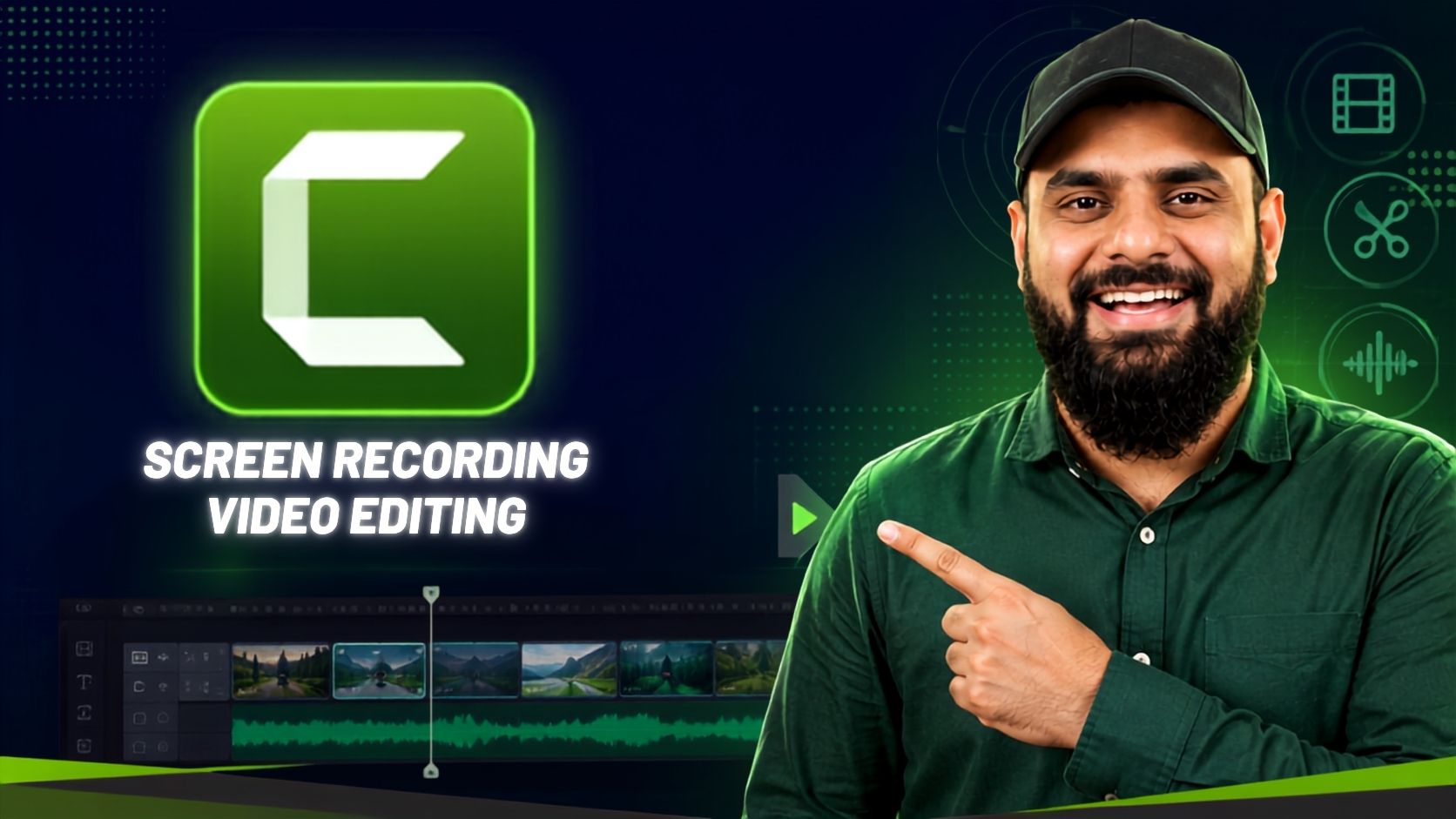
Camtasia is a powerful screen recording and video editing tool developed by TechSmith for both Windows and Mac users. With its simple drag-and-drop editor, even complete beginners can create professional video tutorials, software demos, or marketing videos.
Through this course, you will learn every essential feature of Camtasia, from recording and editing to adding effects, transitions, and quizzes, preparing you to create videos that stand out on any platform.
What You Will Learn
- Record your screen and webcam using Camtasia Recorder
- Import, organize, and edit media in the Camtasia Editor
- Split, trim, and combine clips using the timeline
- Add voiceovers, background music, and sound effects
- Apply visual and audio effects, transitions, and annotations
- Use zoom, pan, and cursor effects to highlight key actions
- Create interactive quizzes and clickable elements
- Customize intros, themes, and lower thirds for your brand
- Adjust video properties using color correction and filters
- Work with animation keyframes and behaviors
- Export videos in different formats with the best settings
- Manage projects, libraries, and templates efficiently
Who Should Join This Course?
- Content creators and YouTubers who want to edit videos professionally
- Teachers and trainers creating online courses or tutorials
- Business owners producing marketing or presentation videos
- Freelancers offering video editing services
- Absolute beginners with no prior video editing experience
Prerequisites
You do not need any prior experience. All you need is:
- Basic knowledge of using a computer
- General familiarity with using software applications
System Compatibility
This course is accessible on all your devices:
- Windows PCs and laptops
- macOS (all recent versions)
- Android smartphones and tablets
- iPhone and iPad (iOS devices)
Learn anytime, anywhere, on your desktop, laptop, tablet, or mobile.
One-Time Payment, Lifetime Access
No subscriptions. No hidden charges. No monthly fees.
Pay once and get lifetime access to the entire course. Watch the videos as many times as you want, whenever you want. There is no expiry date.
Free Lifetime Updates
This field keeps changing, and so does this course. Whenever we add new lessons, new tools, new techniques, or update existing content, you get it completely free. No extra payment, ever. Pay once and stay updated for life.
Certification
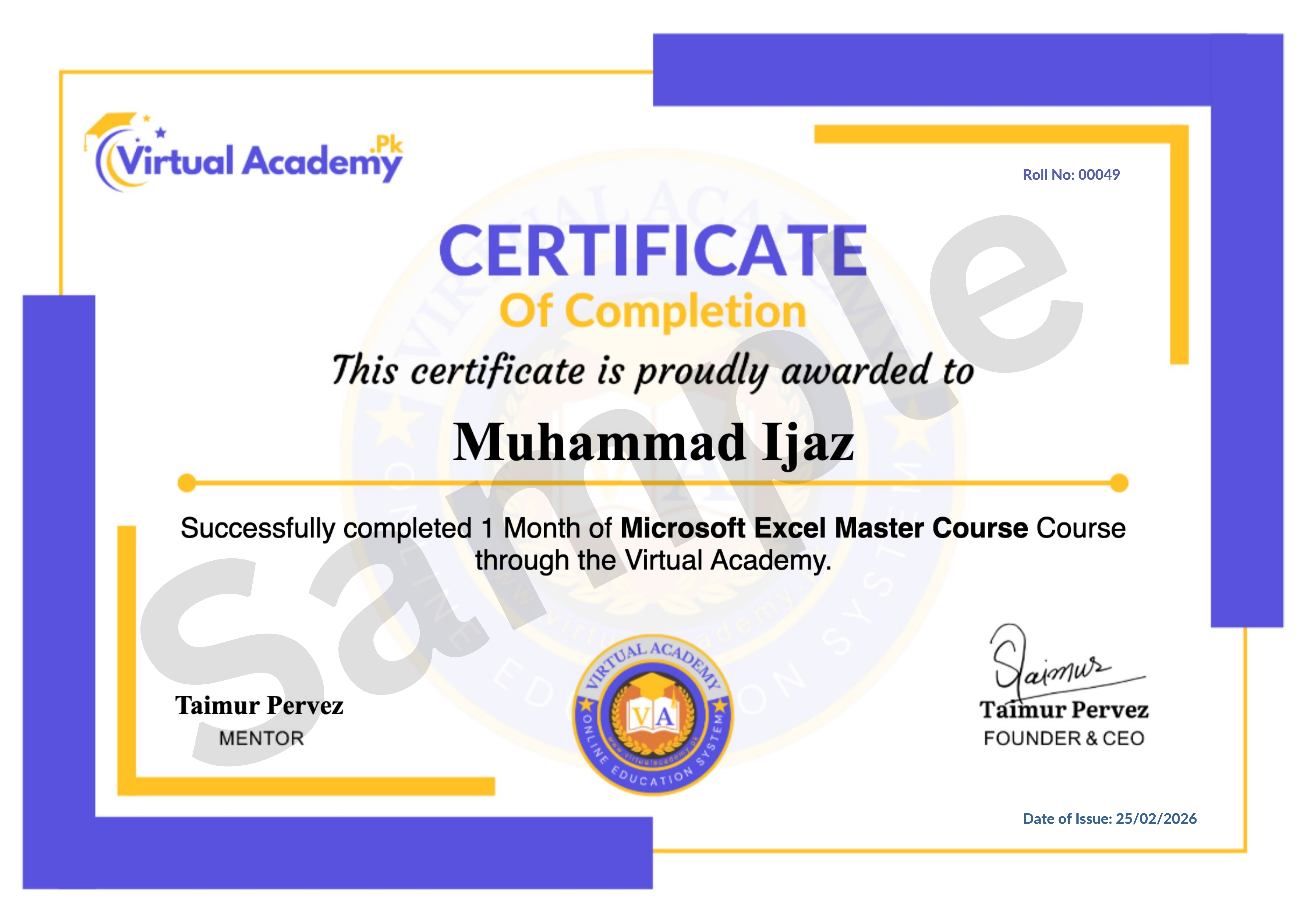
This course is hosted on the Virtual Academy LMS (www.virtualacademy.pk). Upon successful completion, you will receive a Registered Diploma or Certificate that you can add to your resume, portfolio, or LinkedIn profile.
To earn your certificate, you need to:
- Complete all chapters on the LMS
- Pass the quiz for each chapter
- Submit any required assignments or projects
Once completed, your diploma will be available to download directly from the LMS.
Why Enroll Now?
Video content is in higher demand than ever, for business, education, and social media. Learning Camtasia gives you a practical, in-demand skill that you can use to create your own content or offer video editing services to clients.
One-time payment. Lifetime access. Lifetime updates. Zero risk.
Need Help? Contact Us on WhatsApp
Have any questions about the course? Feel free to reach out to us on WhatsApp. We try our best to reply within 30 minutes to 1 hour.
Message us anytime, and our team will guide you regarding the course, enrollment, or any other queries you may have.
WhatsApp: wa.me/923215124534
Enroll today and start creating professional videos with Camtasia.
Course Details
- 1. Camtasia Course Introduction
- 2. Camtasia Downloading and Installation | System Requirements
-
Chapter No 01 Introduction & Installation
No Notes available for this chapter
-
1. User Interface of Camtasia Studio and Recorder | Screen Recording (Locked) 12:07 Min

-
2. Getting Started – Project Settings, Media Bin, Timeline (Locked) 10:00 Min
-
3. File Menu Explained (Locked) 07:29 Min
-
4. Timeline in Detail (Locked) 10:07 Min
-
Chapter No 02 User Interface & Project Setup (Locked)
No Notes available for this chapter
-
1. Camtasia Library (Locked) 13:29 Min
-
2. Annotations & Favorites (Locked) 11:53 Min
-
3. Transitions & Behaviors (Locked) 10:43 Min
-
4. Animations & Cursor Effects (Locked) 09:34 Min
-
Chapter No 03 Tools & Editing Features (Locked)
No Notes available for this chapter
-
1. Voice Narration & Audio Effects (Locked) 10:53 Min
-
2. Visual Effects Overview (Locked) 07:43 Min
-
3. Interactive Hotspot (Locked) 10:48 Min
-
4. Media Matte, Motion Blur, Remove Color (Locked) 06:55 Min
-
Chapter No 04 Audio & Visual Enhancements (Locked)
No Notes available for this chapter
-
1. Interactivity Tools (Locked) 08:04 Min
-
2. Captions in Camtasia (Locked) 03:46 Min
-
3. Export, Share and Render Settings (Locked) 04:23 Min
-
Chapter No 05 Advanced Features & Final Output (Locked)
No Notes available for this chapter

 Level
Level
 Duration
 Chapters
 Quizzes
 Certifications
 Language