Blogger Complete Advanced Training 2016
Course Description
This Blogger course takes you from the basics all the way to an advanced level, with lessons explained in simple Urdu and Hindi. You will learn how to create, manage, and customize professional blogs or websites using Google Blogger.
You will learn how to personalize templates and themes, use widgets and plugins, edit layouts through HTML, manage post settings, add pages, and track statistics. You will also learn how to set up Google AdSense for monetization and optimize your blog for SEO and performance.
Whether you are a beginner, a student, or a freelancer, this course will help you design and publish a fully functional blog or website with ease.
What You Will Learn
- Understand the basics and purpose of Google Blogger
- Set up and manage your Blogger account
- Customize templates, themes, and layouts
- Create and publish blog posts with text, images, and videos
- Add menus, pages, and categories
- Edit templates using HTML
- Add widgets, plugins, and social media buttons
- Configure custom domains and hosting
- Integrate Google AdSense for monetization
- Optimize your blog for SEO and online visibility
- Create contact forms and interactive sections
- Design and publish a complete blog from start to finish
Who Should Join This Course?
- Beginners who want to start their own blog or website
- Students looking to build an online presence
- Freelancers offering blog setup and management services
- Small business owners who want a website without hiring a developer
- Bloggers who want to monetize and grow an existing blog
Prerequisites
You do not need any prior experience. All you need is:
- Basic knowledge of Microsoft Word
- Basic internet browsing skills
- Basic understanding of HTML
System Compatibility
This course is accessible on all your devices:
- Windows PCs and laptops
- macOS (all recent versions)
- Android smartphones and tablets
- iPhone and iPad (iOS devices)
Learn anytime, anywhere, on your desktop, laptop, tablet, or mobile.
One-Time Payment, Lifetime Access
No subscriptions. No hidden charges. No monthly fees.
Pay once and get lifetime access to the entire course. Watch the videos as many times as you want, whenever you want. There is no expiry date.
Free Lifetime Updates
This field keeps changing, and so does this course. Whenever we add new lessons, new tools, new techniques, or update existing content, you get it completely free. No extra payment, ever. Pay once and stay updated for life.
Certification
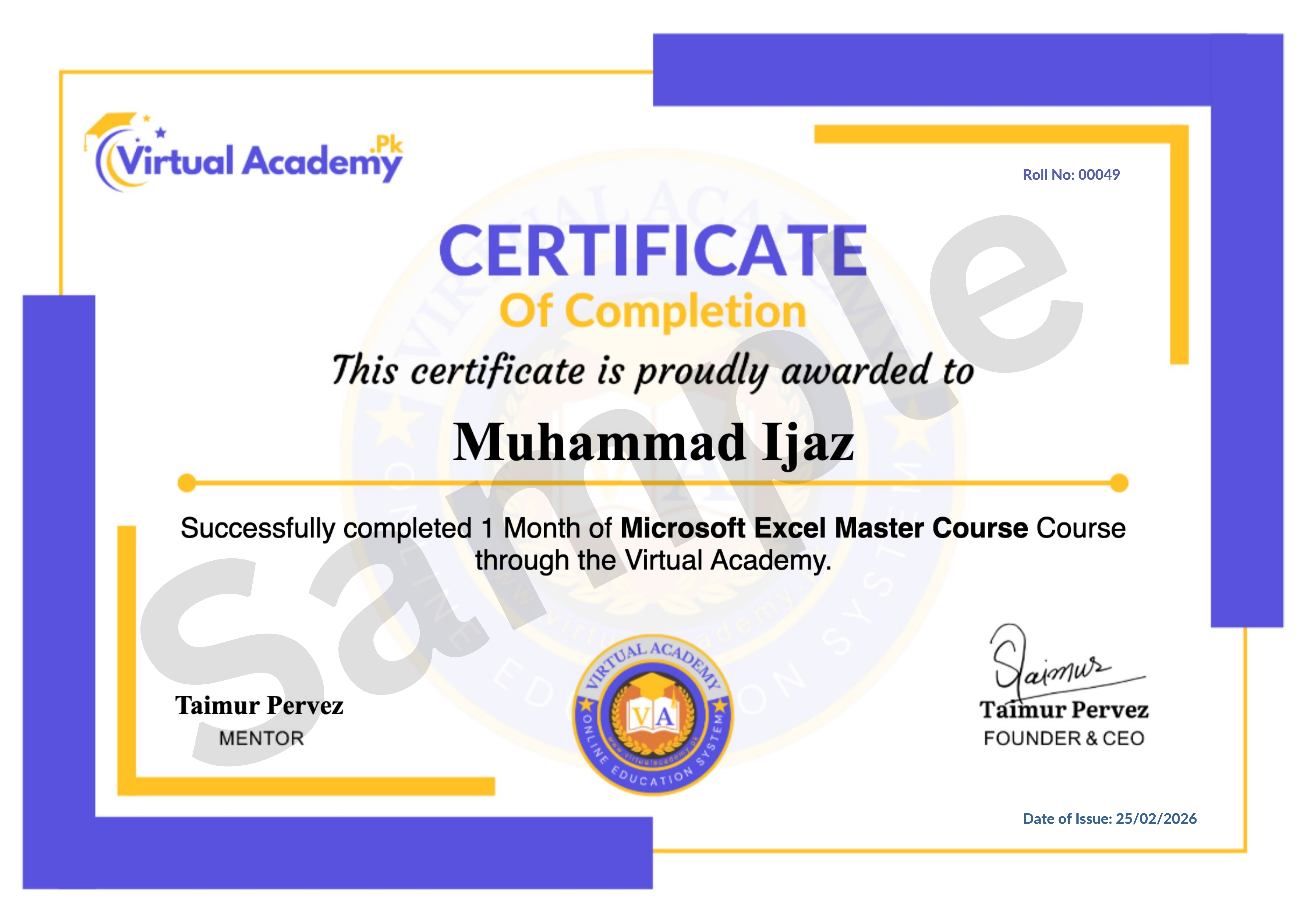
This course is hosted on the Virtual Academy LMS (www.virtualacademy.pk). Upon successful completion, you will receive a Registered Diploma or Certificate that you can add to your resume, portfolio, or LinkedIn profile.
To earn your certificate, you need to:
- Complete all chapters on the LMS
- Pass the quiz for each chapter
- Submit any required assignments or projects
Once completed, your diploma will be available to download directly from the LMS.
Why Enroll Now?
Blogger is a free and powerful platform that lets you build a professional website without any coding experience or hosting costs. Learning it now means you can launch your own blog, business site, or portfolio right away.
One-time payment. Lifetime access. Lifetime updates. Zero risk.
Need Help? Contact Us on WhatsApp
Have any questions about the course? Feel free to reach out to us on WhatsApp. We try our best to reply within 30 minutes to 1 hour.
Message us anytime, and our team will guide you regarding the course, enrollment, or any other queries you may have.
WhatsApp: wa.me/923215124534
Enroll today and start your journey toward building and monetizing your own blog with Blogger.
Course Details
- 1. Google Blogger Introduction Video
- 2. Introduction to Blogger, Create New Blog, Interface
-
3. Create First Post & Formatting (Locked) 17:40 Min

-
Chapter No 01 Introduction (Locked)
No Notes available for this chapter
-
1. Change Layout Theme in Blogger (Locked) 12:36 Min
-
2. Download and Upload Blogger Theme (Locked) 07:15 Min
-
Chapter No 02 Theme & Layouts (Locked)
No Notes available for this chapter
-
1. Basic, Publishing, HTTPS, Permission Settings (Locked) 06:06 Min
-
2. Post, Comments & Sharing Settings (Locked) 10:13 Min
-
3. Email, Language & Formatting Settings (Locked) 05:18 Min
-
4. Search Preference Settings (Locked) 12:57 Min
-
5. Site Feed & Activate FeedBurner (Locked) 07:20 Min
-
Chapter No 03 Basic & Advanced Setting (Locked)
No Notes available for this chapter
-
1. Create New Post, Label, Description, Permalink (Locked) 12:39 Min
-
2. Make Blog Slider Image in Photoshop (Locked) 15:42 Min
-
3. Blog Slider Customization (Locked) 06:27 Min
-
Chapter No 04 Creating Post & Design (Locked)
No Notes available for this chapter
-
1. Add Menu, Link, Label, Categories (Locked) 09:18 Min
-
2. Create Submenu or Child Menu (Locked) 15:33 Min
-
Chapter No 05 Menus & Categories (Locked)
No Notes available for this chapter
-
1. Favicon Settings (Locked) 03:52 Min
-
2. Configure Header File (Locked) 03:41 Min
-
3. Blog Layout & Widgets Settings (Locked) 05:47 Min
-
4. Add Social Media Widget (Locked) 05:23 Min
-
5. Blog Post Settings (Locked) 05:39 Min
-
6. Remove Locked Gadget from Blog (Locked) 05:39 Min
-
Chapter No 06 Header, Layout & Widgets (Locked)
No Notes available for this chapter
-
1. Add Facebook Fan Page Plugin (Locked) 03:45 Min
-
2. Add Twitter Plugin on Blogger (Locked) 03:35 Min
-
3. Disable Text Selection (Locked) 02:48 Min
-
4. Disable Right Click (Locked) 02:27 Min
-
5. Add YouTube Subscribe Button (Locked) 03:44 Min
-
Chapter No 07 Social Media Integration (Locked)
No Notes available for this chapter
-
1. Create Contact Us Page (Locked) 10:02 Min
-
2. SEO, Webmaster Tools, Google Search (Locked) 05:55 Min
-
3. SEO, Yahoo & Bing Search (Webmaster tool) (Locked) 06:04 Min
-
4. Add Google Map to Blog (Locked) 03:28 Min
-
5. Create Sitemap for Blogger (Locked) 05:40 Min
-
Chapter No 08 Contact Page & Seo Tools (Locked)
No Notes available for this chapter
-
1. Domain Name and Hosting (Locked) 06:26 Min
-
2. Get a Domain Name (Locked) 06:13 Min
-
3. Configure Blog with Custom Domain (Locked) 08:57 Min
-
Chapter No 09 Domain & Custom URL Setup (Locked)
No Notes available for this chapter
Meet Your Instructor(s)

.png)
 Level
Level
 Duration
 Chapters
 Quizzes
 Certifications
 Language