



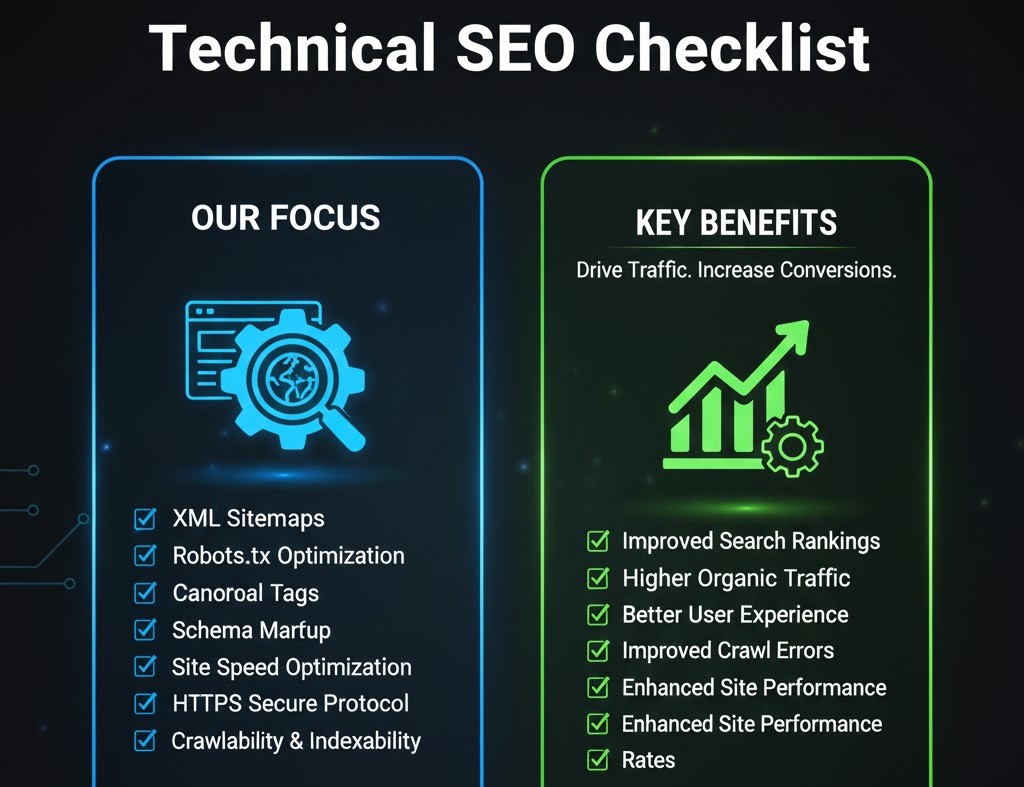
Technical SEO Checklist
Introduction
Imagine publishing a blog post or a research project online only for it to get lost in the depths of Google’s search results. Frustrating, right? For students, educators, or budding digital marketers, understanding how search engines work is not just useful it’s essential. Technical SEO is the backbone of every successful website, ensuring that content is not only discoverable but also indexed efficiently by search engines.
Many beginners mistake SEO as just keyword placement. The reality? A strong technical foundation can make or break your website’s performance. From site speed to structured data, technical SEO covers elements that often remain invisible to casual visitors but are crucial for Google’s algorithms.
In this guide, we’ll walk you through a comprehensive technical SEO checklist. You’ll learn actionable steps to optimize your site, enhance user experience, and ultimately improve search rankings all with a focus on practical strategies students can implement today.
1. Crawlability and Indexing: Laying the Foundation
Search engines can’t rank what they can’t find. Crawlability ensures that search engines can access your website’s pages, while indexing determines whether they appear in search results.
Key Steps:
-
Robots.txt file: Confirm it doesn’t block essential pages. This file guides search engine crawlers, like Googlebot, on which pages to access.
-
XML Sitemap: Submit a sitemap to Google Search Console to highlight all your key pages.
-
Noindex and Canonical Tags: Prevent duplicate content issues and ensure that search engines index the preferred version of a page.
Example: Harvard University’s student portals use canonical tags to consolidate multiple URLs leading to the same resource, preventing duplicate content penalties.
Pro Tip: Use tools like Screaming Frog or Sitebulb to audit crawlability and identify blocked pages or broken links.
2. Site Speed and Performance: Fast Wins Matter
Page speed is a confirmed ranking factor. A slow-loading website can frustrate users, increase bounce rates, and negatively impact SEO.
Optimization Techniques:
-
Image Optimization: Compress images using WebP format without sacrificing quality.
-
Browser Caching: Allows repeat visitors to load your site faster by storing resources locally.
-
Minify CSS, JavaScript, and HTML: Reduces file sizes for faster rendering.
-
Content Delivery Network (CDN): Distributes website resources globally for faster access.
Case Study: According to Google, even a 0.5-second improvement in mobile load time can boost conversion rates by 20%. Students can apply these optimizations on project websites or portfolios to impress both instructors and recruiters.
3. Mobile-Friendliness: Optimizing for the Small Screen
With over 60% of global web traffic coming from mobile devices, Google prioritizes mobile-first indexing.
Checklist:
-
Responsive Design: Ensure layouts adapt to different screen sizes.
-
Clickable Elements: Buttons and links should be easily tappable.
-
Avoid Intrusive Popups: Google penalizes sites with intrusive interstitials.
Example: The University of California optimizes its student portals with responsive design, ensuring course schedules and registration forms load seamlessly on smartphones.
4. Secure Your Site with HTTPS
Security is a trust signal for both users and search engines. Google favors websites that protect visitors’ data.
Action Steps:
-
Install an SSL certificate.
-
Redirect all HTTP pages to HTTPS.
-
Regularly check for mixed content issues (HTTP resources on HTTPS pages).
Expert Insight: Moz emphasizes that HTTPS can indirectly influence rankings by increasing user trust and engagement metrics, which are now part of Google’s ranking signals.
5. Structured Data and Schema Markup
Structured data helps search engines understand the context of your content, enabling rich results like FAQs, reviews, or event details.
Recommended Schemas for Students:
-
Article Schema: Ideal for blogs or academic projects.
-
FAQ Schema: Answers common questions in search results.
-
Breadcrumb Schema: Improves site hierarchy visibility in search results.
Pro Tip: Use Google’s Rich Results Test tool to validate structured data before deploying it.
6. URL Structure and Site Architecture
A clean, logical structure not only aids SEO but also enhances user navigation.
Best Practices:
-
Use short, descriptive URLs (e.g.,
/seo-checklist-students). -
Include primary keywords naturally.
-
Avoid excessive parameters or session IDs.
-
Implement internal linking to distribute link equity across pages.
Example: MIT’s OpenCourseWare uses hierarchical URLs (/courses/subject/course-name) that clearly indicate content and improve both indexing and user experience.
7. Core Web Vitals: Measuring User Experience
Google’s Core Web Vitals measure real-world user experience focusing on loading, interactivity, and visual stability.
Key Metrics:
-
Largest Contentful Paint (LCP): Should occur within 2.5 seconds.
-
First Input Delay (FID): Aim for less than 100ms.
-
Cumulative Layout Shift (CLS): Should be below 0.1 to prevent visual instability.
Actionable Tip: Use Google PageSpeed Insights or Lighthouse to monitor these metrics regularly. Optimize images, reduce render-blocking scripts, and implement lazy loading to meet Core Web Vitals benchmarks.
8. Canonicalization and Duplicate Content
Duplicate content can confuse search engines and dilute ranking potential.
Solutions:
-
Implement canonical tags to indicate the primary version of a page.
-
Use 301 redirects for outdated or duplicate URLs.
-
Regularly audit your site for duplicate content using tools like Ahrefs or SEMrush.
Expert Insight: John Mueller from Google advises that canonicalization helps consolidate link equity and avoids unnecessary indexing conflicts.
9. Monitoring and Analytics
SEO is an ongoing process. Tracking performance ensures your efforts are effective.
Recommended Tools:
-
Google Search Console: Monitors indexing, search performance, and mobile usability.
-
Google Analytics 4 (GA4): Tracks user behavior and engagement.
-
Screaming Frog / Ahrefs: Technical audits for errors, broken links, and crawl issues.
Pro Tip: Set up custom dashboards to track key student-related metrics, such as engagement on academic project pages or portfolio submissions.
10. Advanced Tips for Students
-
Lazy Loading: Improve page speed by loading images only when they enter the viewport.
-
AMP Pages (Accelerated Mobile Pages): Especially useful for blogs or news articles.
-
Log File Analysis: Understand how Googlebot crawls your site and identify bottlenecks.
Example: Students running campus blogs can implement lazy loading and AMP to provide faster reading experiences, increasing session duration and reducing bounce rates.
Conclusion
Mastering technical SEO is less about memorizing tricks and more about understanding how search engines interpret your website. By following this checklist from crawlability to Core Web Vitals you’ll ensure your content is not only visible but also trusted and user-friendly.
Remember, SEO is a marathon, not a sprint. Regular audits, monitoring, and updates will keep your site optimized for both users and search engines. As students, applying these principles early can give you a competitive edge, whether for personal projects, academic submissions, or future digital marketing careers.
Start small, focus on core elements, and gradually implement advanced strategies. With persistence and attention to detail, technical SEO becomes a powerful tool to make your content shine online.
FAQs
1. What is technical SEO and why is it important for students?
Technical SEO ensures search engines can crawl, index, and understand your website. For students, it boosts visibility for projects, portfolios, or research content.
2. How can I improve my website speed as a beginner?
Compress images, use browser caching, minify code, and consider a CDN. Tools like PageSpeed Insights provide actionable suggestions.
3. What are Core Web Vitals and how do they impact rankings?
Core Web Vitals measure user experience loading speed, interactivity, and visual stability. Poor scores can hurt search rankings.
4. Do I need to learn coding for technical SEO?
Basic HTML and CSS knowledge helps, but many tools simplify SEO tasks, such as Yoast SEO, Screaming Frog, and Google Search Console.
5. How often should I audit my website for technical SEO?
Ideally every 3–6 months, or whenever you launch new content or redesign pages, to maintain optimal performance and indexing.
Tags :
No Tags

0 Comments