



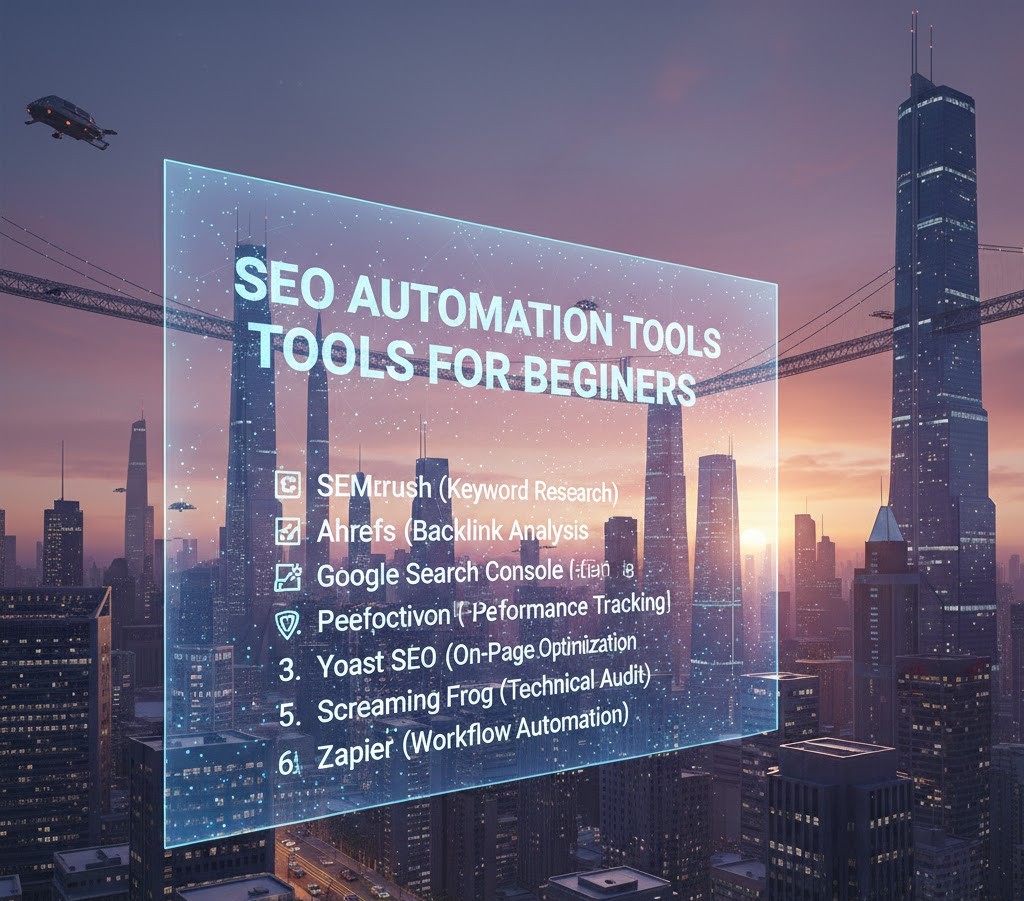
SEO Automation Tools for Beginners
Introduction
Imagine this: you publish your first blog post. You’ve spent hours researching, writing, editing, and formatting. You hit “Publish” and wait for traffic to pour in. Days pass. Nothing happens.
This is the moment most beginners realize something important great content alone isn’t enough. If search engines can’t understand, evaluate, and trust your content, it won’t rank. That’s where SEO (Search Engine Optimization) comes in.
For students and beginners stepping into digital marketing, SEO can feel overwhelming. There are keywords, technical settings, backlinks, analytics dashboards and suddenly, it feels like you need to be a programmer and a data scientist at the same time.
That’s exactly why SEO automation tools matter.
Automation tools don’t replace strategy or critical thinking. Instead, they handle repetitive tasks, surface insights quickly, and help beginners focus on learning the bigger picture. In this guide, you’ll learn what SEO automation really means, which tools are beginner-friendly, how they fit into digital marketing, and how to start building real skills today.
Let’s simplify the chaos.
What SEO Automation Really Means (Beyond the Buzzword)
When people hear “automation,” they imagine software doing everything automatically. That’s not how SEO works.
SEO automation means using tools to simplify repetitive, time-consuming tasks — such as keyword tracking, site audits, backlink monitoring, and performance reporting.
It does not mean:
-
Press a button → rank #1 on Google.
-
Let software write spammy content.
-
Ignore strategy and user intent.
Instead, it means:
-
Automating keyword research suggestions.
-
Scheduling technical audits.
-
Tracking rankings without checking manually.
-
Generating structured reports in seconds.
For students, this is powerful. Instead of spending hours gathering raw data, you can spend your time understanding patterns and improving strategy.
Automation helps you learn faster because it removes friction.
How Search Engines Work (In Simple Terms)
Before discussing tools, we need clarity on how search engines actually operate.
Search engines like Google work in three primary stages:
1. Crawling
Search bots scan the internet, discovering pages through links.
2. Indexing
The discovered pages are stored and organized in a massive database.
3. Ranking
When someone searches for something, Google analyzes hundreds of factors to decide which pages appear first.
These factors include:
-
Content relevance
-
Page speed
-
Mobile friendliness
-
Backlinks
-
User experience
-
Structured data
-
Search intent match
SEO automation tools help monitor and optimize these factors without requiring manual tracking.
Key Components of SEO (And Where Automation Helps)
SEO isn’t one skill. It’s a combination of several disciplines. Let’s break it down.
On-Page SEO
On-page SEO focuses on elements inside your website.
This includes:
-
Keyword placement
-
Title tags and meta descriptions
-
Header structure
-
Internal linking
-
Content quality
-
Image optimization
How Automation Helps
Beginner-friendly tools like:
-
Rank Math or Yoast SEO (WordPress plugins)
-
Surfer SEO (content optimization)
-
Frase (content briefs)
-
Grammarly (clarity and readability)
These tools:
-
Suggest keyword usage.
-
Flag missing meta descriptions.
-
Analyze content structure.
-
Provide readability scores.
-
Suggest internal linking opportunities.
Real-World Example
A student blogger writing about “digital marketing careers” uses an SEO plugin. The tool highlights that:
-
The target keyword isn’t in the title.
-
The meta description is missing.
-
There are no internal links.
Within minutes, the student improves the page without deep technical knowledge.
That’s automation assisting learning.
Technical SEO
Technical SEO ensures search engines can properly crawl and index your site.
Key areas include:
-
Page speed
-
Mobile responsiveness
-
Broken links
-
XML sitemaps
-
Structured data
-
HTTPS security
For beginners, this is the most intimidating part.
How Automation Helps
Tools like:
-
Google Search Console
-
Screaming Frog (limited free version)
-
Sitebulb
-
GTmetrix
-
PageSpeed Insights
These tools:
-
Detect crawl errors.
-
Identify broken links.
-
Show indexing issues.
-
Analyze loading speed.
-
Highlight mobile usability problems.
Instead of manually checking every page, automation scans your site in minutes.
Beginner Takeaway
You don’t need to “fix everything” at once. Start with:
-
Ensuring your site is indexed.
-
Improving page speed.
-
Fixing broken links.
Automation tools show you where to focus first.
Off-Page SEO
Off-page SEO is about building authority outside your website.
The main factor? Backlinks.
Backlinks signal trust. If reputable sites link to your content, search engines assume it has value.
How Automation Helps
Tools like:
-
Ahrefs
-
SEMrush
-
Moz
-
Ubersuggest
These tools:
-
Track backlinks.
-
Monitor competitor backlinks.
-
Analyze domain authority.
-
Identify link-building opportunities.
For students, even using free versions helps understand:
-
What makes a strong backlink.
-
Why some sites rank higher.
-
How authority impacts rankings.
Automation here doesn’t build links for you. It simply shows you where opportunities exist.
Keyword Research: The Heart of SEO Automation
Keyword research used to require manual guesswork.
Now, tools like:
-
Google Keyword Planner
-
Ubersuggest
-
AnswerThePublic
-
SEMrush Keyword Magic Tool
Automatically provide:
-
Search volume
-
Keyword difficulty
-
Related queries
-
Search intent insights
For beginners, this changes everything.
Instead of guessing what people search for, you see:
-
What questions users ask.
-
How competitive a topic is.
-
Long-tail keyword variations.
Automation turns data into direction.
How SEO Automation Fits into Digital Marketing
SEO does not exist in isolation.
It connects with:
-
Content marketing
-
Social media marketing
-
Email marketing
-
Paid advertising
-
Conversion rate optimization
For example:
If you create blog content optimized with SEO tools:
-
It drives organic traffic.
-
That traffic joins your email list.
-
You nurture leads through email campaigns.
-
Some convert into customers.
SEO is often the foundation layer in digital marketing because it brings consistent, long-term traffic.
Automation tools allow you to:
-
Measure traffic growth.
-
Track user behavior (Google Analytics).
-
Understand conversion pathways.
Students who understand this ecosystem think strategically, not just technically.
Common SEO Myths Beginners Believe
Myth 1: SEO Is Dead
SEO evolves. It doesn’t die. Search engines still dominate how people discover information.
Myth 2: More Keywords = Higher Rankings
Keyword stuffing damages credibility and rankings. User experience matters more.
Myth 3: Automation Means Zero Effort
Automation speeds up processes. It does not replace strategy, creativity, or user understanding.
Myth 4: You Need Expensive Tools to Start
Many powerful tools are free:
-
Google Search Console
-
Google Analytics
-
Google Trends
-
Keyword Planner
Students can start learning without spending money.
Practical SEO Skills Students Should Start Learning Today
Instead of trying to master every tool, focus on core skills.
1. Search Intent Analysis
Understand why someone searches for a query:
-
Informational
-
Navigational
-
Transactional
-
Commercial investigation
Automation tools show keyword metrics but you interpret intent.
2. Content Structuring
Learn to:
-
Write clear headlines.
-
Use logical subheadings.
-
Answer questions directly.
-
Optimize readability.
3. Basic Data Interpretation
Use Google Analytics and Search Console to:
-
Identify top-performing pages.
-
Track impressions and clicks.
-
Analyze CTR.
-
Spot content gaps.
4. Technical Awareness
You don’t need to code — but understand:
-
What indexing means.
-
Why page speed matters.
-
What crawl errors are.
5. Competitor Analysis
Use SEO tools to:
-
See which keywords competitors rank for.
-
Identify backlink sources.
-
Discover content gaps.
This builds strategic thinking — the most valuable SEO skill.
Mini Case Study: A Beginner Blog Growth Example
A marketing student launches a niche blog about freelancing tips.
Step 1: Uses Google Keyword Planner to find low-competition long-tail keywords.
Step 2: Writes optimized articles using an SEO plugin for guidance.
Step 3: Fixes page speed issues using PageSpeed Insights.
Step 4: Tracks impressions in Search Console.
Step 5: Analyzes which articles get clicks and expands those topics.
Within six months:
-
Organic traffic grows steadily.
-
Some posts rank on page one for niche keywords.
-
The student builds a portfolio demonstrating real results.
No black-hat tricks. No expensive automation. Just strategic use of tools.
How SEO Careers and Opportunities Are Evolving
SEO today is not just about keywords. It intersects with:
-
AI-driven search
-
Voice search optimization
-
E-commerce optimization
-
Data analytics
-
UX and CRO
-
Local SEO
-
Technical auditing
Companies now look for:
-
Analytical thinkers.
-
Content strategists.
-
Technical SEO specialists.
-
SEO data analysts.
-
Growth marketers.
Automation tools are becoming smarter, but human expertise remains essential.
Students who learn how to interpret tool outputs not just run them will remain valuable in the job market.
Frequently Asked Questions (FAQs)
1. What is the best SEO automation tool for beginners?
For beginners, start with free tools like Google Search Console, Google Analytics, and Rank Math or Yoast. These provide foundational insights without overwhelming complexity.
2. Can SEO be fully automated?
No. Tools can automate data collection and reporting, but strategy, content quality, and user understanding require human input.
3. Do I need to learn coding for SEO?
Basic HTML knowledge helps, but you don’t need advanced coding skills. Understanding how websites function is more important than programming.
4. How long does SEO take to show results?
SEO is a long-term strategy. Typically, noticeable improvements take 3–6 months, depending on competition and consistency.
5. Is SEO a good career for students?
Yes. SEO skills are in demand across industries, including tech, e-commerce, media, and startups. It offers freelance, remote, and full-time opportunities.
Conclusion
SEO may look complex at first glance, but at its core, it’s about helping people find useful information. Automation tools don’t eliminate the need for strategy they make learning and execution more efficient.
For students and beginners, this is an advantage. You can start small:
-
Use free tools.
-
Optimize one blog post at a time.
-
Study analytics.
-
Experiment and measure.
SEO is not a shortcut skill. It’s a compounding skill. The earlier you begin, the stronger your expertise becomes.
In a world where visibility equals opportunity, understanding SEO gives you leverage. Whether you want to build a personal brand, grow a blog, work in digital marketing, or freelance, mastering SEO automation tools is not just practical it’s future-proof.
Start learning. Start testing. And most importantly, stay curious.
Tags :
No Tags

0 Comments