InPage Urdu Typing - Complete Training
Course Description
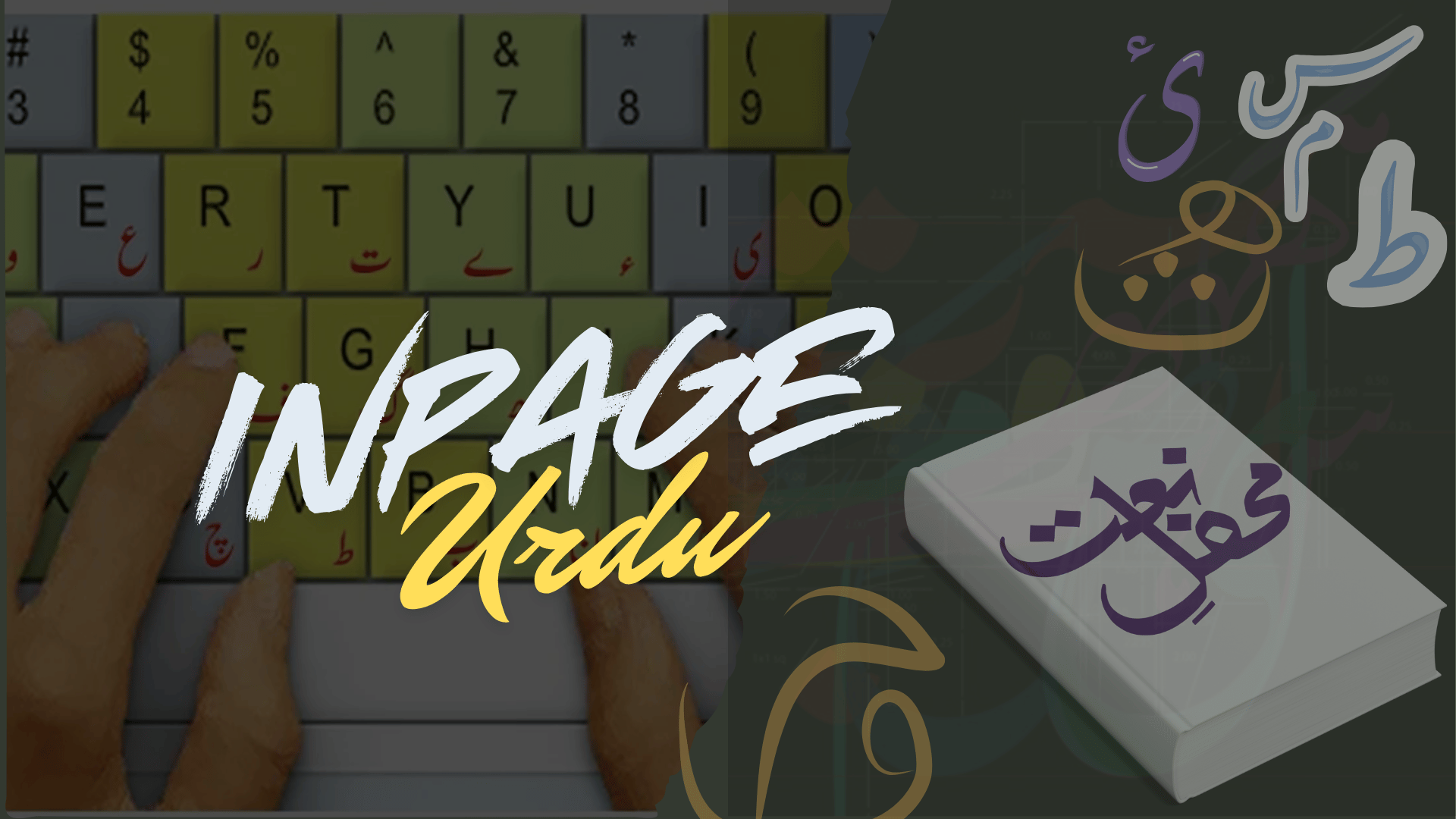
This InPage Urdu course takes you from the basics all the way to an advanced level, with lessons explained in simple Urdu and Hindi. You will learn how to use InPage efficiently for professional Urdu typing, layout design, and publishing.
You will learn to navigate and personalize the InPage workspace, manage the interface and tools, and create Urdu content for newspapers, magazines, books, banners, and more. You will also learn how to export your Urdu text into CorelDRAW and Adobe Photoshop for further design work.
This course is ideal for designers, writers, publishers, and anyone who wants to build strong Urdu and Arabic publishing and design skills.
What You Will Learn
- Understand the interface and basic tools of InPage Urdu
- Create and format Urdu and English text
- Work with master pages and advanced layout designs
- Manage files, pages, and print settings
- Use formatting tools for text, tables, and objects
- Insert images, tables, and symbols into your documents
- Customize borders, colors, and paragraph styles
- Work with multilingual typing and language features
- Export InPage content to CorelDRAW and Photoshop
- Apply professional publishing and printing techniques
- Use shortcut keys and advanced editing options
- Create complete Urdu publications and print-ready designs
Who Should Join This Course?
- Beginners who want to learn Urdu typing and publishing
- Designers and publishers working with Urdu or Arabic content
- Writers who want to prepare their own books, magazines, or newspapers
- Freelancers offering Urdu typing or layout design services
- Students studying media, publishing, or graphic design
Prerequisites
You do not need any prior experience. All you need is:
- Basic computer operations and file management
- Basic typing and document handling skills
System Compatibility
This course is accessible on all your devices:
- Windows PCs and laptops
- macOS (all recent versions)
- Android smartphones and tablets
- iPhone and iPad (iOS devices)
Learn anytime, anywhere, on your desktop, laptop, tablet, or mobile.
One-Time Payment, Lifetime Access
No subscriptions. No hidden charges. No monthly fees.
Pay once and get lifetime access to the entire course. Watch the videos as many times as you want, whenever you want. There is no expiry date.
Free Lifetime Updates
This field keeps changing, and so does this course. Whenever we add new lessons, new tools, new techniques, or update existing content, you get it completely free. No extra payment, ever. Pay once and stay updated for life.
Certification
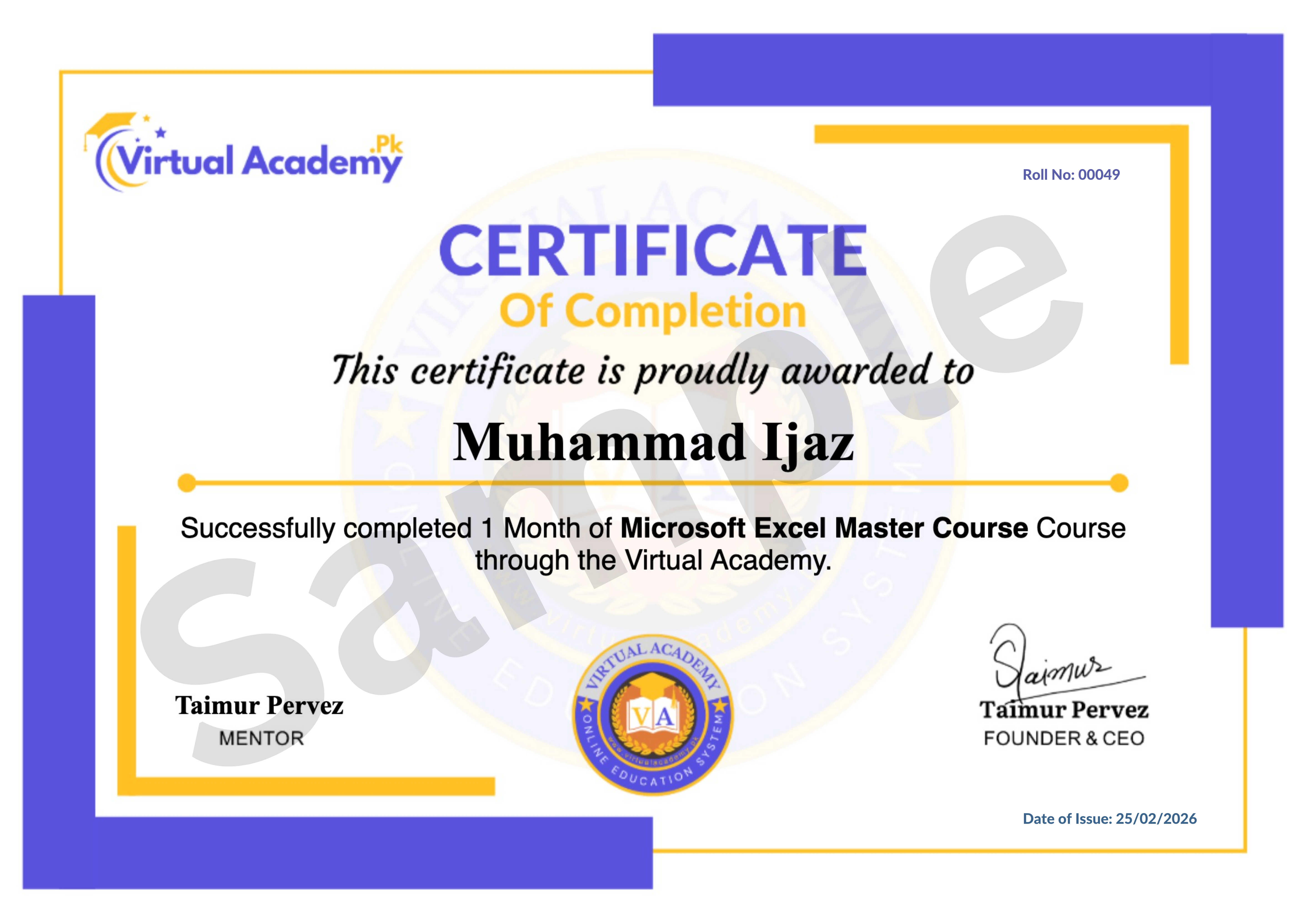
This course is hosted on the Virtual Academy LMS (www.virtualacademy.pk). Upon successful completion, you will receive a Registered Diploma or Certificate that you can add to your resume, portfolio, or LinkedIn profile.
To earn your certificate, you need to:
- Complete all chapters on the LMS
- Pass the quiz for each chapter
- Submit any required assignments or projects
Once completed, your diploma will be available to download directly from the LMS.
Why Enroll Now?
InPage remains the standard software for Urdu publishing across Pakistan's newspapers, magazines, and publishing houses. Learning it well can open doors to freelance typing work, publishing jobs, and design projects.
One-time payment. Lifetime access. Lifetime updates. Zero risk.
Need Help? Contact Us on WhatsApp
Have any questions about the course? Feel free to reach out to us on WhatsApp. We try our best to reply within 30 minutes to 1 hour.
Message us anytime, and our team will guide you regarding the course, enrollment, or any other queries you may have.
WhatsApp: wa.me/923215124534
Enroll today and start your journey toward mastering InPage Urdu typing and publishing.
Course Details
- 1. InPage Urdu Course Introduction
- 2. Introduction, Download & Installation
-
3. First User Interface & Keyboard Settings (Locked) 13:44 Min

-
CHAPTER NO 01 Introduction (Locked)
No Notes available for this chapter
-
1. Urdu Text Formatting in InPage (Locked) 13:03 Min
-
2. English Text Formatting in InPage (Locked) 06:28 Min
-
CHAPTER NO 02 Text Formatting Essential (Locked)
No Notes available for this chapter
-
1. File Menu – Part A (Locked) 08:06 Min
-
2. File Menu – Part B (Locked) 10:49 Min
-
CHAPTER NO 03 File Menu in Detail (Locked)
No Notes available for this chapter
-
1. Selection, Hand & Rotation Tools (Locked) 08:39 Min
-
2. Master Page Setup (Locked) 05:25 Min
-
3. Link Text Chain & Text Box Tool (Locked) 05:58 Min
-
CHAPTER NO 04 Tools & Master Page (Locked)
No Notes available for this chapter
-
1. Change Text Format + Use with CorelDRAW & Photoshop (Locked) 12:57 Min
-
2. Shape Tool Usage (Locked) 08:12 Min
-
CHAPTER NO 05 Advanced Text & Shaped (Locked)
No Notes available for this chapter
-
1. Edit Menu – Part A (Locked) 08:27 Min
-
2. Edit Menu – Part B (Locked) 07:39 Min
-
3. View Menu (Locked) 11:28 Min
-
4. Format Menu (Locked) 08:35 Min
-
5. Insert Menu (Locked) 06:08 Min
-
6. Symbol & Window Menu (Locked) 03:56 Min
-
CHAPTER NO 06 Menu in In page Urdu (Locked)
No Notes available for this chapter
-
1. Utilities and Language Options (Locked) 04:14 Min
-
CHAPTER NO 07 Utilities & language Setting (Locked)
No Notes available for this chapter
Meet Your Instructor(s)

.png)
 Level
Level
 Duration
 Chapters
 Quizzes
 Certifications
 Language